Quick Tour
This quick tour walks you through every major section of Botmarley so you know where everything lives.
Navigation
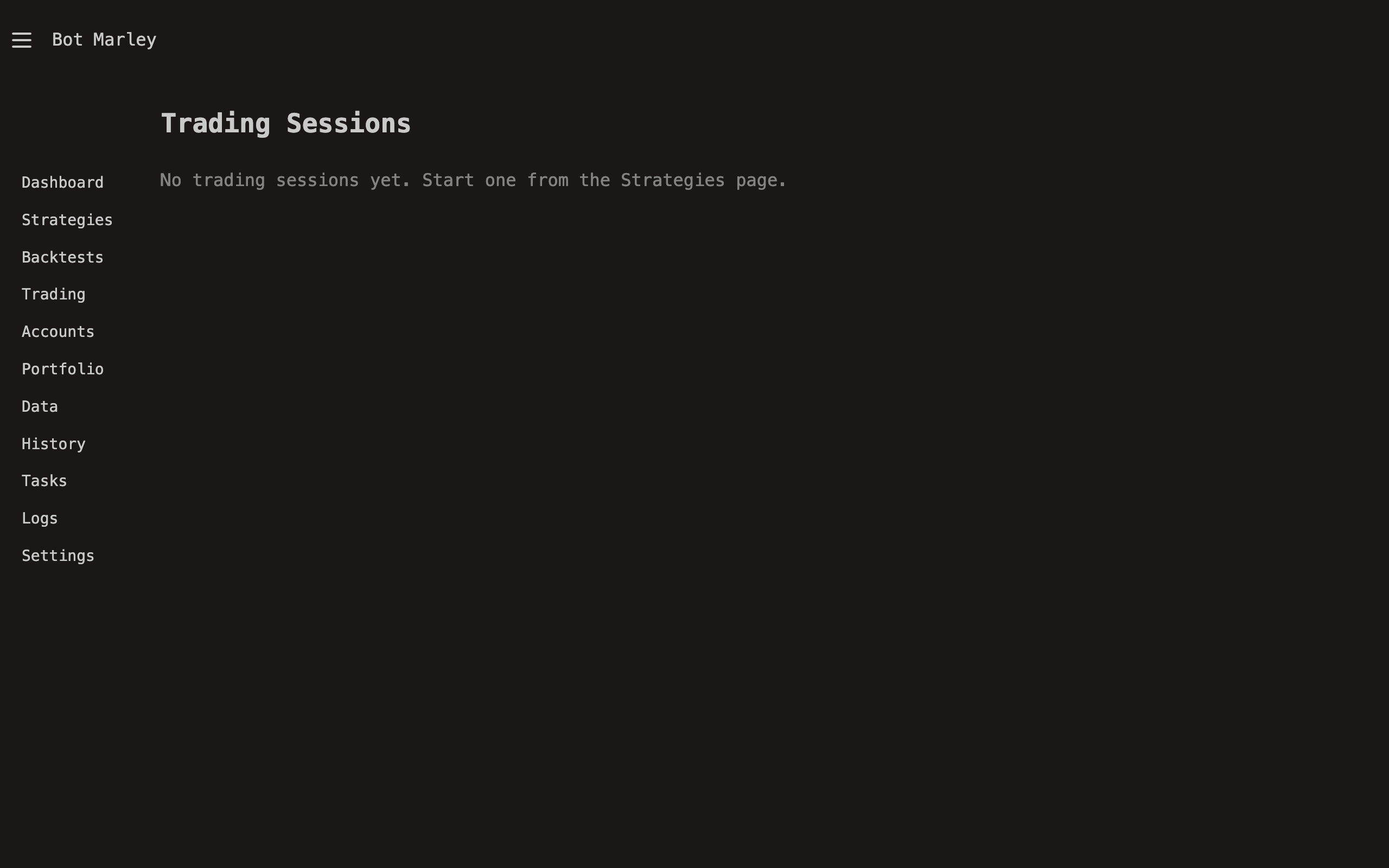
The sidebar on the left provides access to all sections:
| Section | What It Does |
|---|---|
| Dashboard | Portfolio overview and active session status |
| Accounts | Manage exchange connections |
| Portfolio | Track total portfolio value over time |
| Strategies | Create and edit trading strategies |
| Backtesting | Test strategies against historical data |
| Trading | Run live trading sessions |
| Data | Download and browse market data |
| Tasks | View background job queue |
| Logs | Activity and event history |
| Settings | Application configuration |
Dashboard
The dashboard (/) shows a summary of your portfolio value and any active trading sessions. It's your home base for monitoring at a glance.
Accounts
Navigate to Accounts to connect your Kraken or Binance exchange account or create a Paper (simulated) account for testing. Each account stores API credentials securely and can be verified with a balance check.
Strategies
The Strategies section lets you create, edit, and manage trading strategies defined in TOML format. Each strategy consists of:
- Actions — buy/sell operations, each with their own trigger conditions
- Indicators — technical analysis tools (SMA, EMA, RSI, Bollinger Bands, MACD, OBV, OBV-SMA, TTM Trend, StochRSI, ROC, ATR, Vol SMA, Price)
- Position management — DCA settings, max open positions, allocation percentages
Backtesting
Before going live, test your strategies against historical data in the Backtesting section. You'll see:
- Profit/Loss (absolute and percentage)
- Win rate and trade count
- Maximum drawdown
- An interactive chart showing entries and exits
Live Trading
When you're confident in a strategy, start a Trading Session. Select an account, a strategy, and a trading pair, then hit Start. You can:
- Pause — temporarily halt execution
- Resume — continue from where you paused
- Stop — end the session permanently
Real-time updates stream via SSE (Server-Sent Events), so the page updates automatically.
Market Data
The Data section lets you download historical candle data from Kraken or Binance. Data is stored in Apache Arrow format for fast access. You can browse downloaded datasets and run indicator calculations.
Settings
Configure application-wide settings including:
- Server host and port
- Telegram bot notifications
- Password protection
- Data storage paths
What's Next?
Now that you know the layout, dive into the specific sections that interest you most. We recommend starting with Accounts to set up your first connection, then exploring Strategies to build your first trading strategy.