Settings
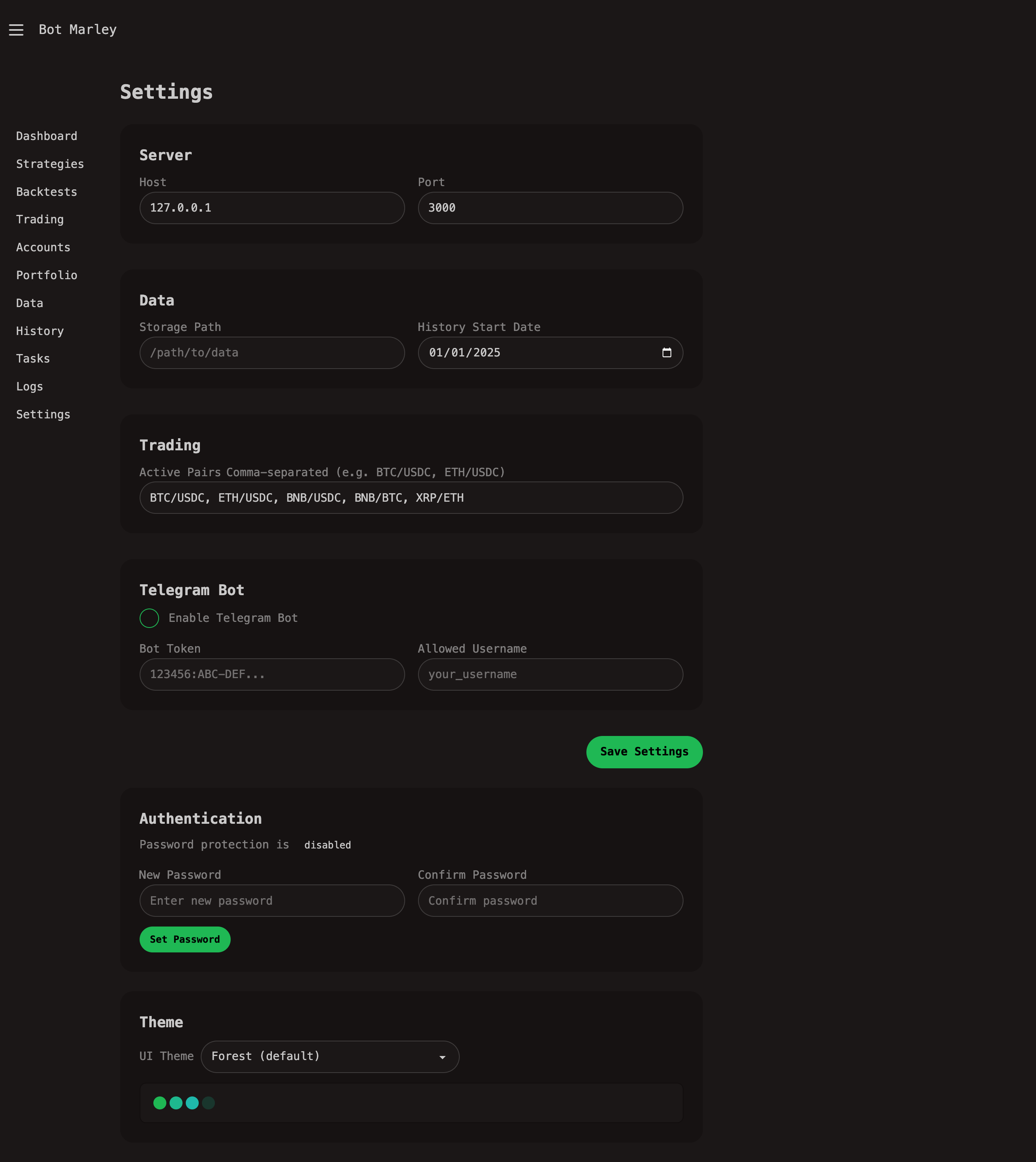
The Settings page (/settings) lets you configure application-wide options for Botmarley.
Accessing Settings
Navigate to Settings in the sidebar or go directly to http://localhost:3000/settings.
Configuration File
Botmarley stores its settings in a TOML configuration file. The location is determined by the BOTMARLEY_HOME environment variable, defaulting to ~/.botmarley/.
The primary settings file is settings.toml inside the Botmarley home directory.
Server Settings
| Setting | Default | Description |
|---|---|---|
server.host | 127.0.0.1 | IP address to bind to |
server.port | 3000 | Port to listen on |
Server settings require a restart to take effect. They can also be overridden with HOST and PORT environment variables.
Telegram Settings
Configure Telegram bot notifications for trade alerts:
| Setting | Default | Description |
|---|---|---|
telegram.enabled | false | Enable/disable Telegram bot |
telegram.bot_token | "" | Bot token from @BotFather |
telegram.allowed_username | "" | Your Telegram username (for access control) |
See Telegram Notifications for setup instructions.
Data Settings
| Setting | Description |
|---|---|
data.directory | Path where Arrow data files are stored |
data.extra_candles | Additional timeframes to compute from 1-minute data |
Editing Settings via UI
The Settings page provides a form-based interface for editing common settings. Changes are saved to the configuration file when you click Save.
Editing Settings Manually
You can also edit settings.toml directly:
[server]
host = "0.0.0.0"
port = 3000

[telegram]
enabled = true
bot_token = "123456:ABC-DEF..."
allowed_username = "your_username"